

Open the connection settings
- Select Integrations in the project’s left menu.
- On Google Analytics, select Manage.
- Review the connection status in Google Analytics 4.
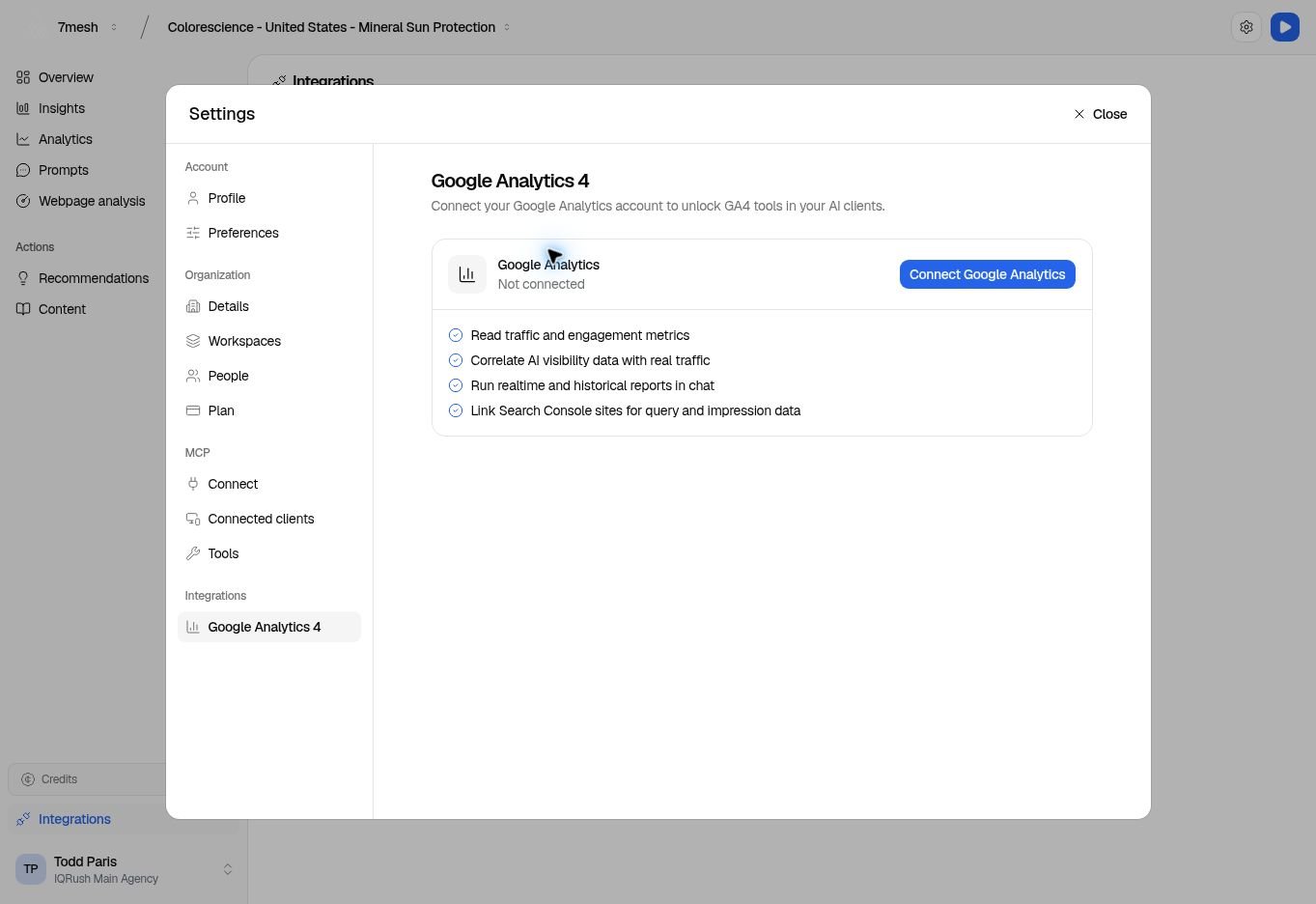
This example account is not connected. The connection button starts the Google sign-in and consent process.
Connect and link the correct property
- Select Connect Google Analytics.
- Follow Google’s account-selection and permission screens for the account you intend to use.
- Return to IQRush and check that the connection shows Connected.
- Select Link property.
- In Link a GA4 property, choose Google Analytics property.
- Optionally choose Search Console site.
- Under Link to projects, select the intended IQRush projects. Use Search projects… if needed.
- Select Link to 1 project (or the number of projects you selected), then check Linked properties.