

Browse content work
The default Content Agents tab groups recommendations by the kind of content involved.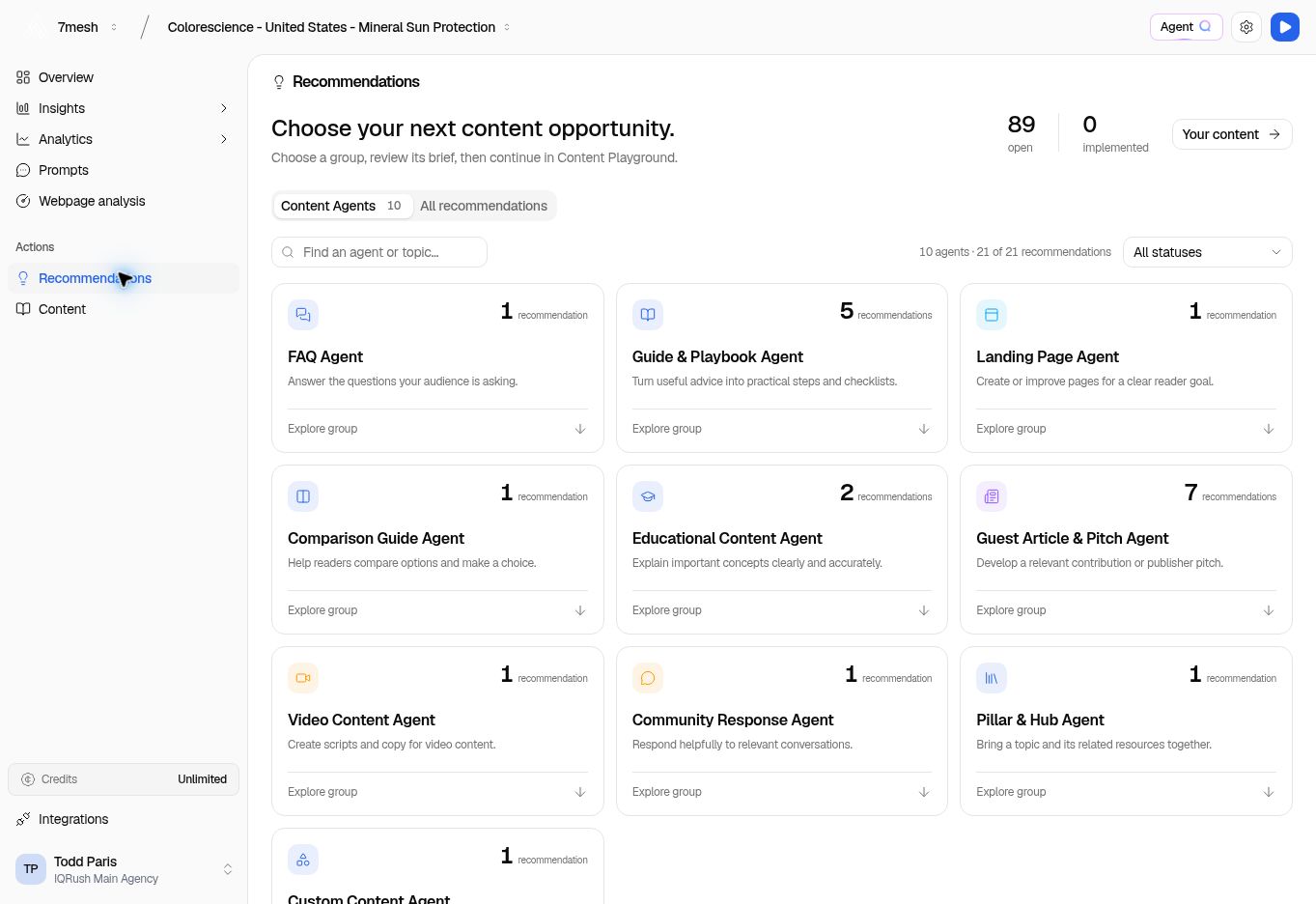
Choose a group to see its recommendations. The groups and counts come from the project’s analysis.
- Choose a relevant group, such as Guide & Playbook Agent.
- Use the search field to find an agent or topic if needed.
- Use All statuses to change which recommendation statuses are included.
- Read a recommendation’s title, reason, topic, source references, priority, and effort when supplied.
- Select Recommendation details to inspect the evidence, or Review brief to prepare the writing task.
Browse all work
Choose All recommendations for the full list. Use the work-type filters:
Use Search recommendations and the status selector to narrow the list.