

Find your project
After signing in, use the workspace selector at the top left. Then use the project selector beside it to open your project. Check both names before you review results or write content. If you have been invited but cannot find a project, check that you are using the invited account and the correct workspace. Your workspace administrator can check your access.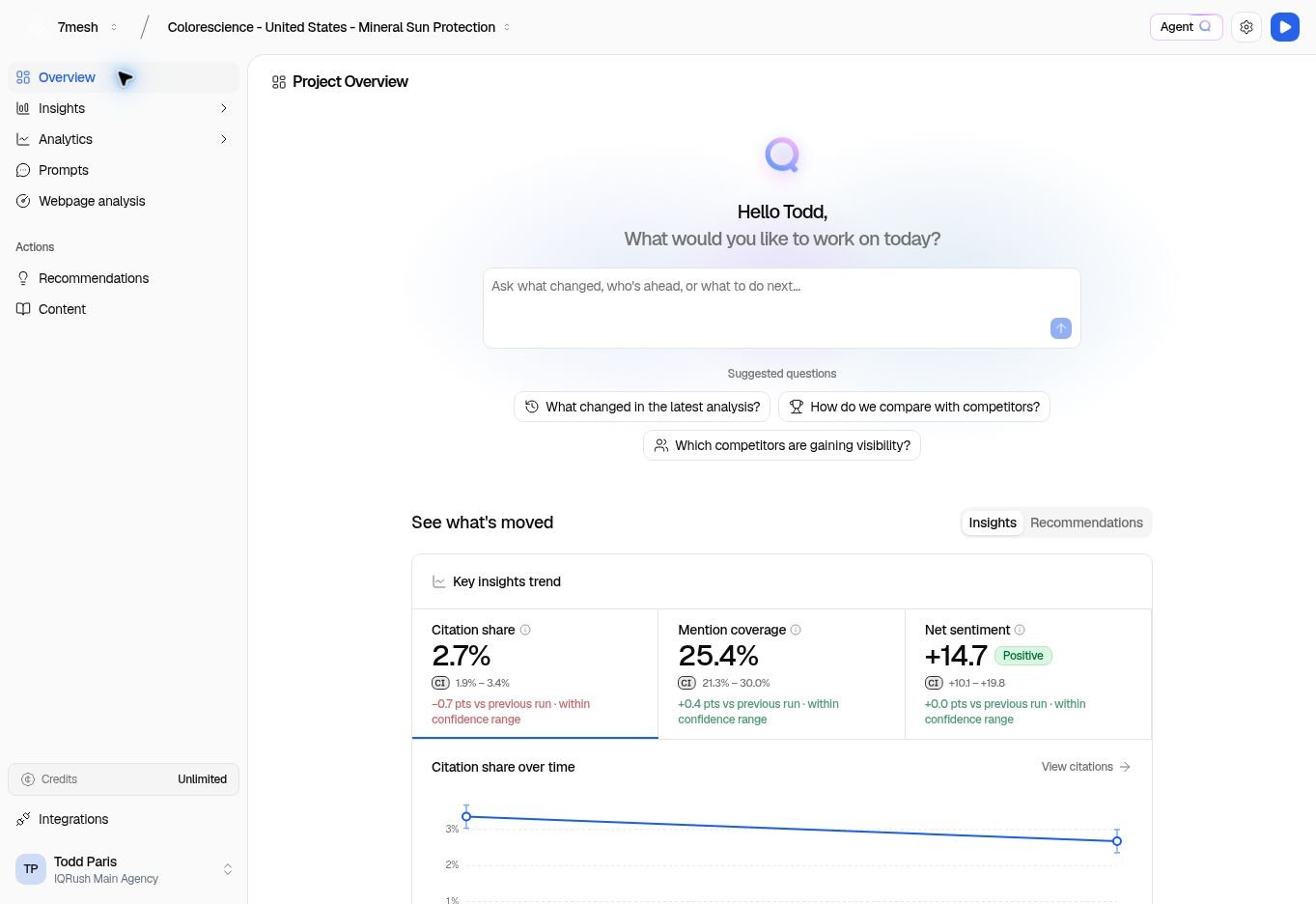
The workspace and project selectors are at the top. The left menu takes you from results to actions.
Explore with an assistant
Start with a question in Ask the agent on Overview, your project’s summary page. Agent Q is also available from the Agent button on supported project pages, with a right-hand panel beside your work. Your saved discussions remain available through its conversation controls. Prefer to work in ChatGPT or Claude? Connect your chosen assistant through IQRush’s MCP connection and select your project. Both approaches let you explore the available IQRush measurements, ask follow-up questions, and request an assessment for your team.
The two guides follow the same steps: start, set the context, ask, use the answer, check the evidence, and continue. Try the question and report gallery for competitive, channel, product, financial-services, and other perspectives.
Ask the assistant to preserve IQRush’s decision-grade checks: stability and signal-to-noise for rankings, confidence intervals for estimates, and the change assessment for comparisons. Keep the measured findings and proposed actions clear.
Follow this path
- Set up what you want to measure. Create a project, choose your topics, and review the prompts.
- Complete a run. A run collects the results used throughout the project. Manage runs.
- Check the evidence, then read the results. Start with Overview, then open Citations to check Results stability, Domain SNR, and the confidence intervals. Explore Mentions or Sentiment for the questions that matter to you.
- Choose a useful next action. Recommendations explains the work and the supporting evidence.
- Prepare and improve content. Review the brief, write in Content Playground, and check the draft.
- Put the change into use. Publish through your normal website or publishing process. Record the completed recommendation, then check a later run.